Picture this: You’re in line for seasonal shopping, ready to pay, when you realize your wallet is sitting on the kitchen counter. A few years ago, that could have meant an awkward trip back home. Today, if you have your phone or smartwatch, you’re still ready to make your purchase.
Mobile wallets have become a simple and secure way to make purchases, whether you’re grabbing groceries, ordering online, or traveling. If you’ve never used one before, now may be the perfect time to see what all the buzz is about. Chelsea Groton’s debit card can be added to popular mobile wallets, making it easier than ever to pay on the go.
What Is a Mobile Wallet?
A mobile wallet is a digital version of your wallet stored on your smartphone or smartwatch. By linking your Chelsea Groton debit card to a mobile wallet such as Apple Pay®, Google Pay™, or Samsung Pay®, you can make purchases without needing to carry your physical card.
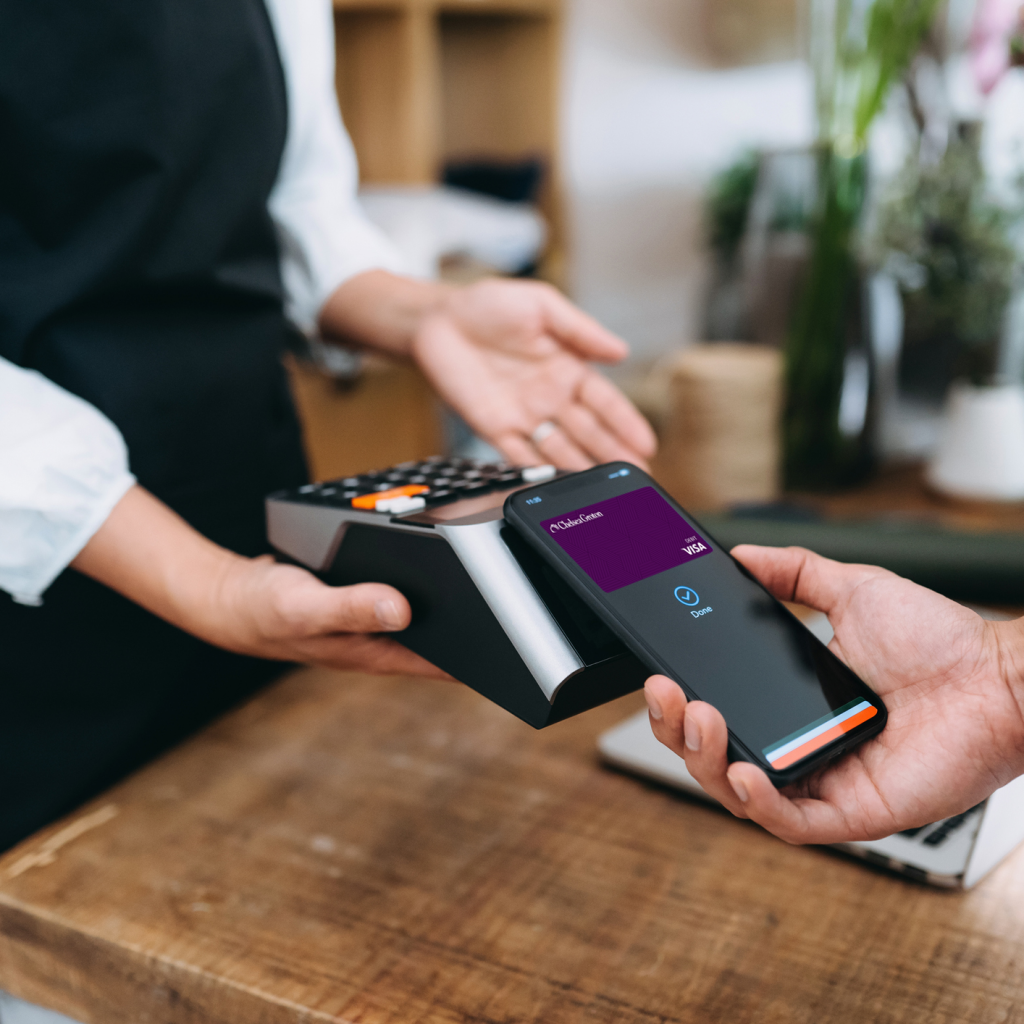
Whether you’re shopping in a store, making an in-app purchase, or checking out online, your mobile wallet allows you to pay with just a tap or click.
Why We Love Mobile Wallets
Convenience at Your Fingertips
Most people have their phone with them nearly everywhere they go. Instead of digging through a purse, pocket, or backpack to find a debit card, you can simply use the device already in your hand. Mobile wallets also keep things organized by storing your debit card alongside digital tickets, boarding passes, and other essentials.
Built-In Security
One of the biggest misconceptions about mobile wallets is that they’re less secure than a physical card. In reality, they add another layer of protection.
When you make a purchase, your actual debit card number isn’t shared with the merchant. Instead, a unique token and one-time transaction code are used to process the payment, helping keep your card information secure. Mobile wallets also often require authentication through facial recognition, fingerprint scanning, or a PIN before payment can be completed.
Fast and Easy Payments
Whether you’re rushing through a checkout line, buying concert tickets online, or making a quick purchase from your favorite app, mobile wallets can make transactions faster. Simply hold your device near the card reader or select your preferred wallet option during online checkout and follow the prompts to authenticate your purchase.
Ready to Get Started?
Adding your Chelsea Groton debit card to a mobile wallet only takes a few minutes:
- Log in to the Chelsea Groton mobile app or Online Banking.
- Select Smart Card from the menu.
- Tap Add to Wallet.
- Follow the prompts to complete setup.
That’s it. Once your card is connected, you’ll be ready to make secure purchases using your mobile device wherever mobile wallet payments are accepted. Technology continues to change the way we manage our finances, and mobile wallets are a great example of how convenience and security can work together.
Questions on setting up your Chelsea Groton debit card in a mobile wallet? Contact the Bank’s Customer Care team at 860-448-4200.